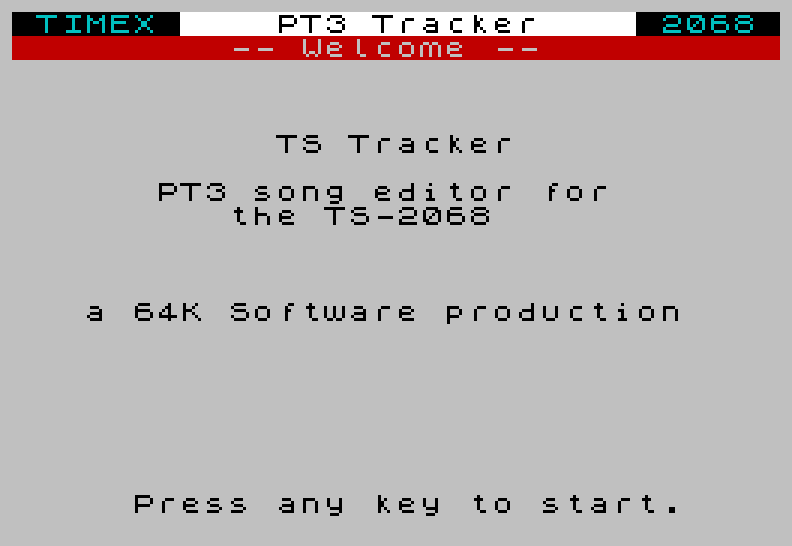
A native three-voice music tracker that runs on a real TS2068. Write a tune note by note, hear it on the AY chip as you work, and save it to tape as a standard PT3 file.
Make music on the machine itself
Most Timex/Sinclair chip-tunes these days are written on a PC. TS Tracker brings the studio back to the 2068. Load it from tape, press N for a new song, and start composing right on the machine — it drives the AY-3-8912 through the proven PTxPlay (Bulba) replay driver, so what you hear while editing is exactly what plays back.
You can also load an existing PT3 tune from cassette, rework it, and save it back out as a standard song file any PT3 player can read — including the bundled TS Tracker Player.
What you can do
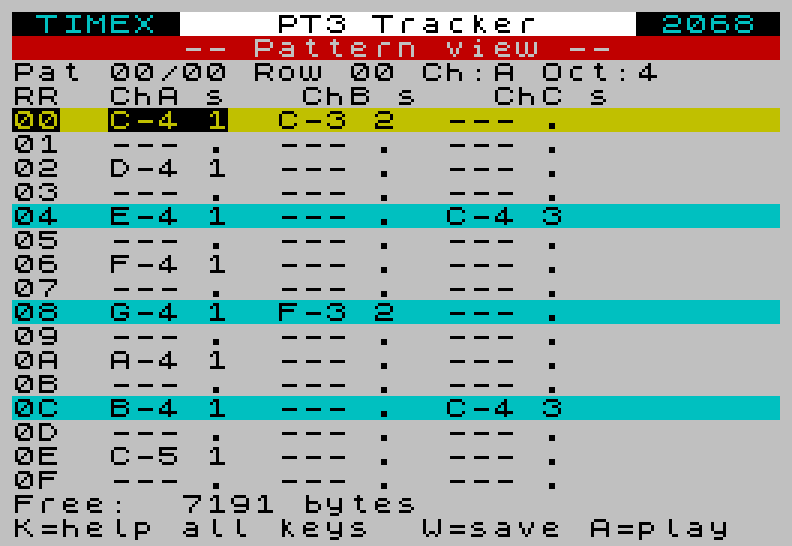
- Three-voice pattern editing — a familiar tracker grid with cyan/yellow beat-line colouring, so the bars read at a glance.
- Play as you compose — audition the whole song (A) or loop a single pattern (L) without leaving the editor; you always hear your latest edits.
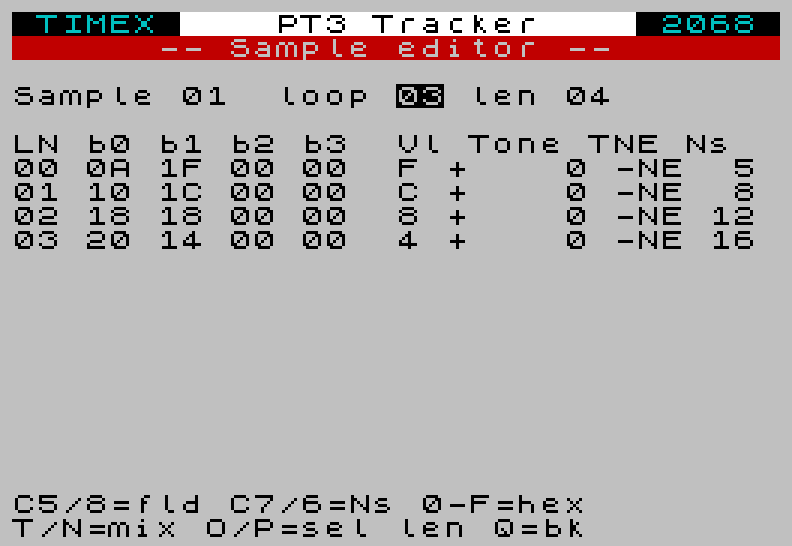
- Design your own instruments — shape volume envelopes, tone bends and the tone/noise mix in the sample editor, and build the classic arpeggio “chords” in the ornament editor.
- Tunable noise new in v1.2 — set the noise pitch per sample line and per row, for everything from crisp hi-hats to low toms.
- Tempo control new in v1.2 — set the song speed right on the info screen.
- Save to tape — write your tune back as a standard CODE block, with auto-incrementing version numbers so you never clobber a take.
- Built-in help — press K any time for the full key map.
New in v1.2
A memory-map overhaul roughly doubled the song slot — more room for longer, denser tunes — and funded a big sound-editor upgrade: decoded noise-pitch and envelope columns, a master noise-pitch control, on-the-fly tempo editing, and cursor-key navigation in the instrument editor. The free, illustrated manual now includes a step-by-step “your first tune” walkthrough.
Get it
TS Tracker is free and open source. The download bundles the tracker, the standalone player, a set of sample songs, and the full manual (PDF).
TS Tracker — Compose AY Chip-Tunes on the Timex Sinclair 2068
A native three-voice music tracker that runs on a real TS2068. Write a tune note by note, hear it on the AY chip as you work, and save it to tape as a standard PT3 file.
Make music on the machine itself
Most Timex/Sinclair chip-tunes these days are written on a PC. TS Tracker brings the studio back to the 2068. Load it from tape, press N for a new song, and start composing right on the machine — it drives the AY-3-8912 through the proven PTxPlay (Bulba) replay driver, so what you hear while editing is exactly what plays back.
You can also load an existing PT3 tune from cassette, rework it, and save it back out as a standard song file any PT3 player can read — including the bundled TS Tracker Player.
What you can do
- Three-voice pattern editing — a familiar tracker grid with cyan/yellow beat-line colouring, so the bars read at a glance.
- Play as you compose — audition the whole song (A) or loop a single pattern (L) without leaving the editor; you always hear your latest edits.
- Design your own instruments — shape volume envelopes, tone bends and the tone/noise mix in the sample editor, and build the classic arpeggio “chords” in the ornament editor.
- Tunable noise new in v1.2 — set the noise pitch per sample line and per row, for everything from crisp hi-hats to low toms.
- Tempo control new in v1.2 — set the song speed right on the info screen.
- Save to tape — write your tune back as a standard CODE block, with auto-incrementing version numbers so you never clobber a take.
- Built-in help — press K any time for the full key map.
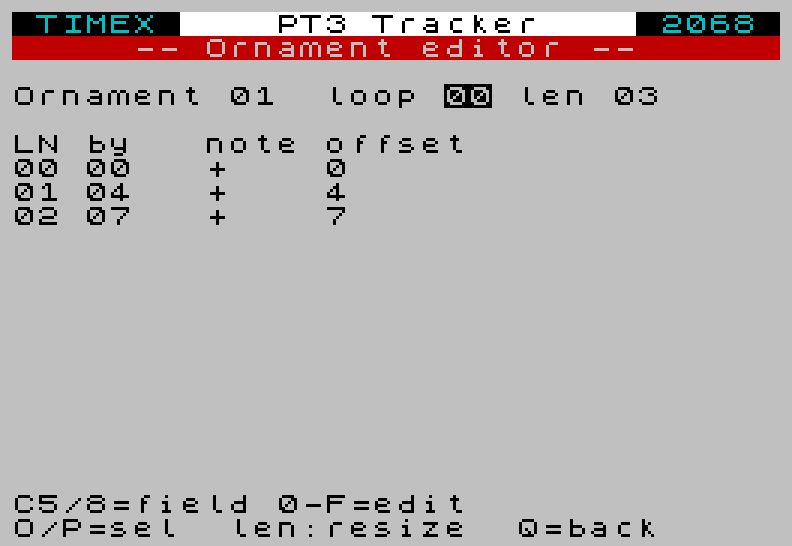
0 +4 +7).New in v1.2
A memory-map overhaul roughly doubled the song slot — more room for longer, denser tunes — and funded a big sound-editor upgrade: decoded noise-pitch and envelope columns, a master noise-pitch control, on-the-fly tempo editing, and cursor-key navigation in the instrument editor. The free, illustrated manual now includes a step-by-step “your first tune” walkthrough.
Get it
TS Tracker is free and open source. The download bundles the tracker, the standalone player, a set of sample songs, and the full manual (PDF).
Source, build instructions and issues: github.com/factus10/TS-Tracker